
Description
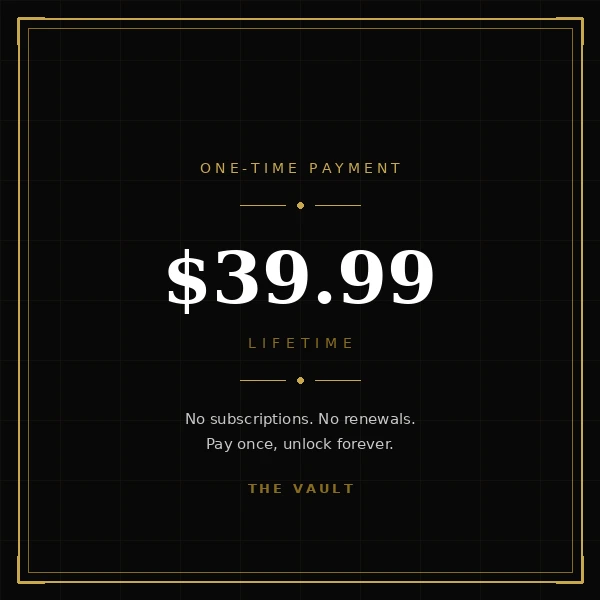
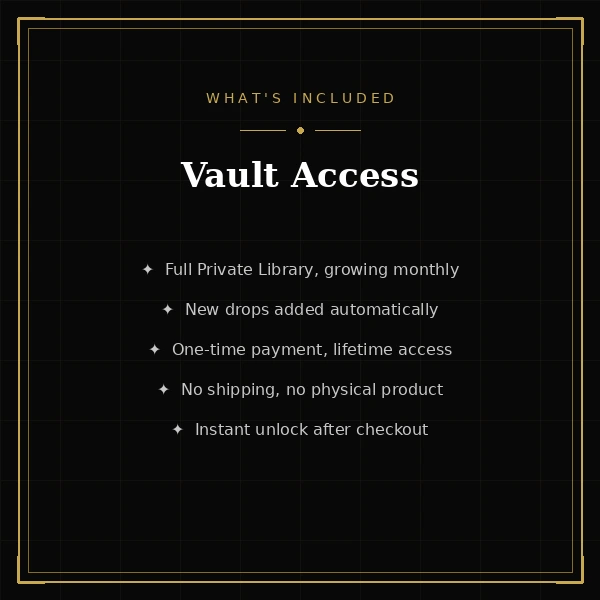
Vault Membership gives you lifetime access to The Vault — The Urban Stripmall’s private members-only digital library. This is a one-time purchase, not a subscription: pay $39.99 once, and your access never expires.
No monthly charges. No annual renewals. No recurring membership bill.
Once your order is successfully completed, your account is automatically upgraded and The Vault unlocks for you.
What Your Vault Membership Unlocks
The Vault brings together a growing collection of digital content across a wide range of categories, including:
- Music
- Film and TV
- Software
- Games
- E-books
- Photography
- Design assets
- Courses
- Audio tools
- Templates
- Archives
- Presets
- Fonts
- Exclusive drops
Your lifetime access includes every available Vault category from day one. There are no locked membership tiers and no additional membership upgrades required to reach different sections of the library.
The goal is simple: one membership, one payment, and access to the entire Vault.
Why Lifetime Access Instead of a Subscription
Most digital libraries rely on recurring monthly or annual payments. The Vault works differently.
Your Vault Membership is purchased with one $39.99 payment. There is nothing to cancel later, nothing to renew, and no recurring membership charge to remember.
That means you can return to the library without worrying about another subscription payment appearing next month or losing access because a renewal was missed.
The membership is designed for people who would rather make one clear purchase and keep their access.
How Access Works
This is a fully virtual product. There is no shipping charge and no physical product to wait for.
After your order completes successfully:
- Your customer account is upgraded automatically.
- Your lifetime access is activated.
- The Vault becomes available through your account.
- You can begin exploring the digital library.
You can return to The Vault whenever you want using the account connected to your purchase.
Because access is connected to your customer account, use the account you intend to keep when completing your order.
The Vault Keeps Growing
The collection is not intended to remain static.
New content is added every month, giving members new material to discover as the library continues to expand.
Future additions are included with your existing Vault Membership at no extra membership cost. You do not need to purchase another membership when new material is added.
What is available today is only the starting point.
One Membership — All Included
The Vault is built to keep the experience straightforward.
You are not purchasing access to only one category. You are not choosing between separate Bronze, Silver, or Gold access levels. You are not required to keep upgrading your membership to reach additional sections.
Your Vault Membership provides access to the full members-only digital library available through The Vault.
Whether you are interested in entertainment, creative resources, software, educational material, digital tools, templates, archives, or future exclusive releases, your membership keeps everything under one access point.
Built Into The Urban Stripmall Experience
The Urban Stripmall is more than a traditional online storefront. The Vault adds a private digital side to the marketplace for customers who want access to exclusive digital content alongside the products and experiences available throughout the site.
Your membership remains connected to your customer account, making it easy to return to the library whenever you are ready to explore.
Get Vault Membership Lifetime Access for $39.99
Purchase once. Keep your access.
For $39.99, Vault Membership gives you lifetime entry to The Urban Stripmall’s private digital library, including current categories and future additions covered by your membership.
There is no subscription to maintain, no recurring membership payment, and no expiration date on your lifetime access.
Complete your purchase and unlock The Vault.

Reviews
There are no reviews yet.