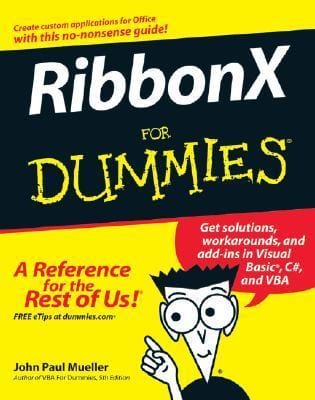
Description
DESCRIPTION
Includes coding examples and sample conversion programs!
Create VBA, VB.NET, and C# custom applications with this radical new interface
Are you ready to tackle RibbonX? This friendly, plain-English guide gives you the tips and techniques you need to design and implement Ribbon apps fast, as well as plenty of examples for working in VBA and Visual Studio(r). You’ll customize the Ribbon to meet your needs, create new elements, and even find solutions for pre-existing Office apps!
* Create an effective RibbonX design
*
Write RibbonX apps
*
Develop business applications for Office
*
Work with Web services
*
Convert existing toolbars and macros
Create VBA, VB.NET, and C# custom applications with this radical new interface
Are you ready to tackle RibbonX? This friendly, plain-English guide gives you the tips and techniques you need to design and implement Ribbon apps fast, as well as plenty of examples for working in VBA and Visual Studio(r). You’ll customize the Ribbon to meet your needs, create new elements, and even find solutions for pre-existing Office apps!
* Create an effective RibbonX design
*
Write RibbonX apps
*
Develop business applications for Office
*
Work with Web services
*
Convert existing toolbars and macros


Reviews
There are no reviews yet.