Description
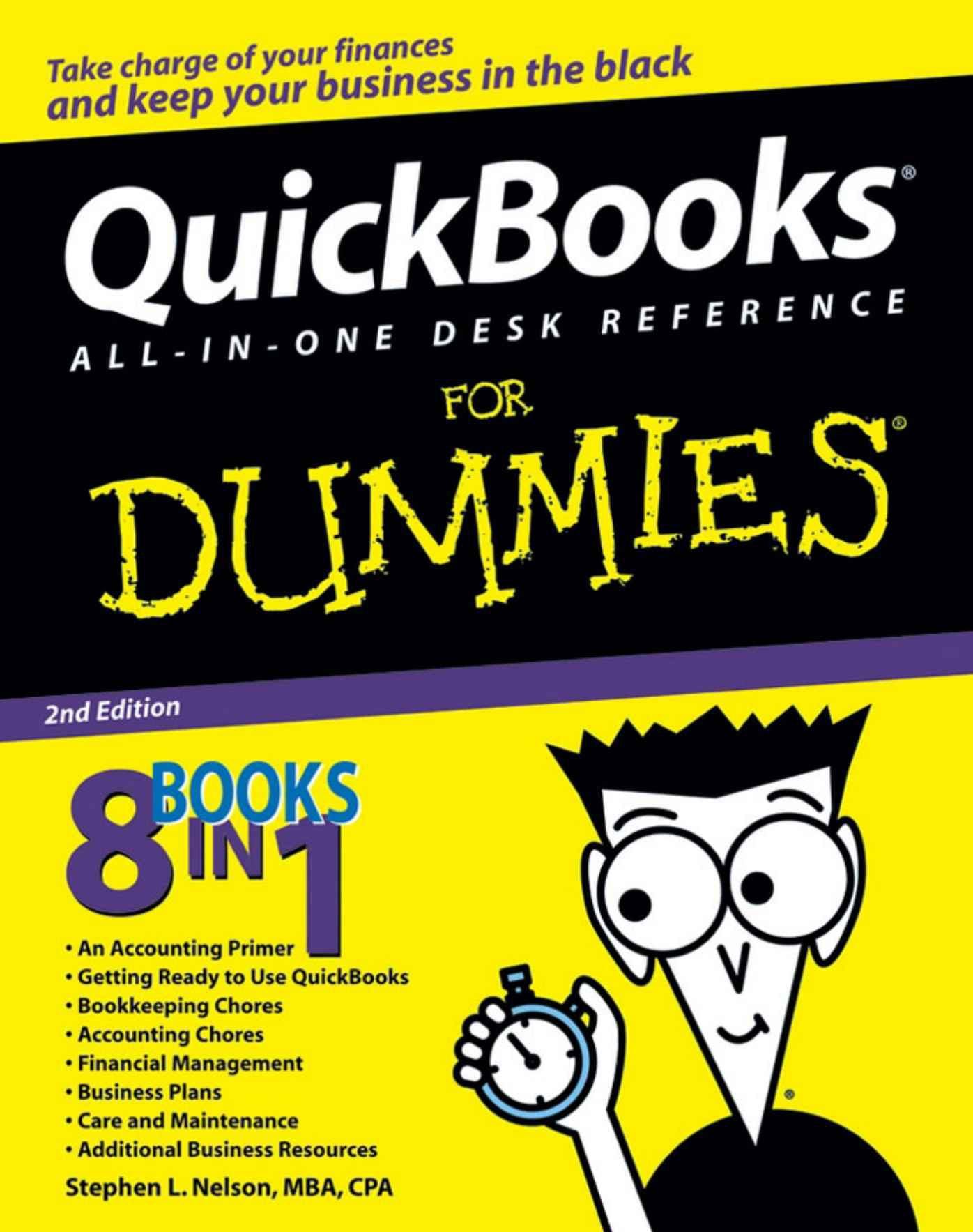
One of the principles of good business and good money management is to make the most of what you have. QuickBooks All-In-One Desk Reference For Dummies helps you make the most of QuickBooks business accounting software. Updated to cover changes and enhancements to the software, it combines eight quick reference guides:
- An Accounting Primer that covers basic principles, double-entry bookkeeping, and special accounting problems
- Getting Ready to Use QuickBooks with information on setting up QuickBooks, loading the master file lists, and fine-tuning QuickBooks
- Bookkeeping Chores, covering invoicing customers, paying vendors, tracking inventory, and more
- Accounting Chores including financial statements, reports, and budgets, using activity-based costing, and setting up project and job costing systems
- Financial Management such as ratio analysis, economic value-added analysis, and capital budgeting
- Business Plans, featuring profit-volume-cost analysis, forecasting, and writing a business plan
- Care and Maintenance, with information on protecting data, troubleshooting, and more
- Additional Business Resources including a crash course in Excel, a glossary, and more
Written by veteran Dummies author Stephen L. Nelson, MBA, CPA, and author of more than 100 books with more than four million copies in print, QuickBooks All-In-One Desk Reference For Dummies goes beyond the basics of how to use QuickBooks and provides expert advice on accounting chores, financial management, business planning, and much more. With a comprehensive index, it’s your instant, at-your-fingertips reference for everything from how to handle everyday accounting tasks to long-term planning for your business.
- Fine-tune QuickBooks for your business and your accounting systems
- Calculate breakeven points
- Budget for capital expenditures
- Take advantage of online banking
There’s even a companion Web site where you can take advantage of a sample business plan workbook and download a profit-volume cost analysis workbook. You won’t find a more comprehensive, authoritative, yet understandable guide to QuickBooks


Reviews
There are no reviews yet.