Description
DESCRIPTION
Build an online catalog and a members-only site
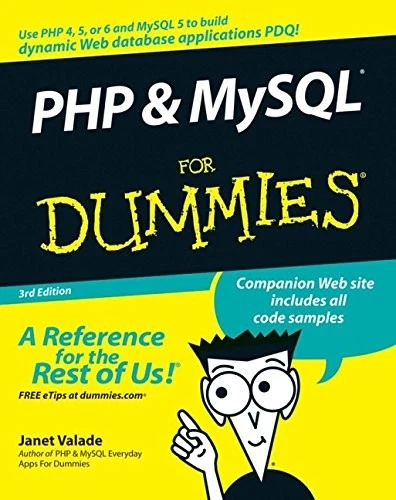
Everything you need to know to create a dynamic PHP and MySQL Web site!
Been thinking of creating a high-quality interactive Web site? This book is just what you need to get started! Here’s the fun and easy way(r) to develop a Web application in PHP 4, 5, or 6 and MySQL 5, test your software, enable your Web pages to display, change, and move database information, and much more.
Discover how to
* Plan and implement a Web database application
* Design and build a MySQL 5 database
* Build dynamic HTML forms
* Create scripts that store, retrieve, and update database information
* Display database information in a Web page
Everything you need to know to create a dynamic PHP and MySQL Web site!
Been thinking of creating a high-quality interactive Web site? This book is just what you need to get started! Here’s the fun and easy way(r) to develop a Web application in PHP 4, 5, or 6 and MySQL 5, test your software, enable your Web pages to display, change, and move database information, and much more.
Discover how to
* Plan and implement a Web database application
* Design and build a MySQL 5 database
* Build dynamic HTML forms
* Create scripts that store, retrieve, and update database information
* Display database information in a Web page




Reviews
There are no reviews yet.