🏠 HOME 👤 LOGIN / REGISTER
QUICK MENU
🛍️ Shop 💳 My Account 📞 Contact Support
[ X ] CLOSE
Account Orders Wishlist Cart Track Order Returns Shipping Certificate of Authenticity Contact Us Donations

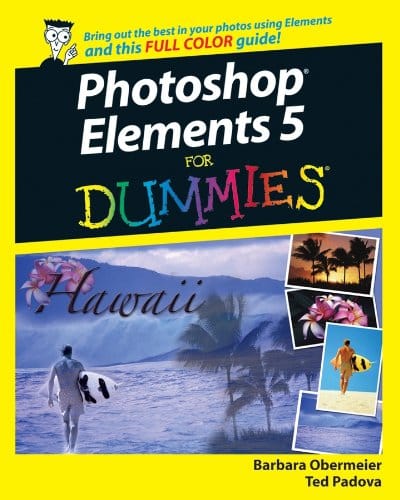
Photoshop Elements 5 For Dummies

$0.00
Secure checkout • Fast order processing
🔥 Popularity score: 103
🔒

Vault Membership Required

This item is reserved for Vault Members. Join for a one-time $39.99 lifetime membership to unlock this and hundreds of other free titles.

DESCRIPTION Packed with tips and tricks for creating dazzling images Explore layers, change backgrounds, fix flaws, and artistically enhance photos Photoshop Elements 5 is a powerhouse, and here’s the fast and easy way to get up to speed on all the coolest features. Whether you’re new to digital photography or an old pro, you’ll find out how to make quick fixes, fine-tune exposure, brush away flaws, and print and share photos. Discover how to Organize and manage your photos Correct contrast, color, and clarity Perform simple image makeovers Obtain accurate color from your desktop color printer Get artsy with the…

Category:
Tags:

Description

DESCRIPTION

Packed with tips and tricks for creating dazzling images

Explore layers, change backgrounds, fix flaws, and artistically enhance photos

Photoshop Elements 5 is a powerhouse, and here’s the fast and easy way to get up to speed on all the coolest features. Whether you’re new to digital photography or an old pro, you’ll find out how to make quick fixes, fine-tune exposure, brush away flaws, and print and share photos.

Discover how to

  • Organize and manage your photos
  • Correct contrast, color, and clarity
  • Perform simple image makeovers
  • Obtain accurate color from your desktop color printer
  • Get artsy with the pencil and brush tools
  • Produce the family photo album

Reviews

There are no reviews yet.

Only logged in customers who have purchased this product may leave a review.

INSTALL THE APP
Add The Urban Strip Mall to your home screen
📱 iPHONE / iPAD (Safari)
1. Tap the Share button at the bottom
2. Scroll down and tap "Add to Home Screen"
3. Tap "Add" — done!
🤖 ANDROID (Chrome)
1. Tap the 3-dot menu top right
2. Tap "Add to Home Screen"
3. Tap "Add" — done!
💻 DESKTOP (Chrome / Edge)
1. Look for the Install icon in the address bar
2. Click it and select "Install"
3. The app opens as its own window!