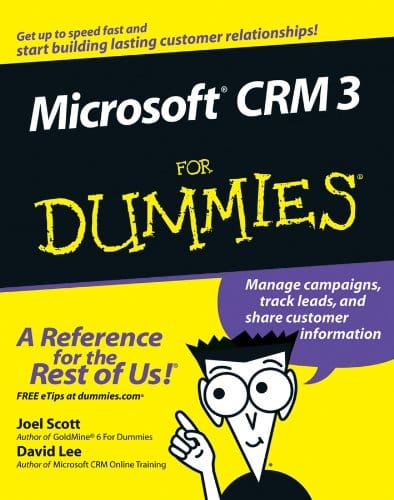
Microsoft CRM 3 For Dummies
$0.00
Secure checkout • Fast order processing
🔥 Popularity score: 185
Vault Membership Required
This item is reserved for Vault Members. Join for a one-time $39.99 lifetime membership to unlock this and hundreds of other free titles.
Find out how to manage customer information to make your business more productiveWhether you’re completely new to customer relationship management (CRM) software or you just want the scoop on the newest version, this handy guide will get you going. Discover how to set up CRM 3, navigate and customize the system, use it to work with your accounts and contacts, collect leads, forecast sales, run reports, and much more.Discover how to* Develop and manage customer relationships* Implement a sales process* Set up security and access rights* Generate quotes, orders, and invoices* Manage leads and opportunities* Create and use product catalogs…
Find out how to manage customer information to make your business more productive
Only logged in customers who have purchased this product may leave a review.
Related products

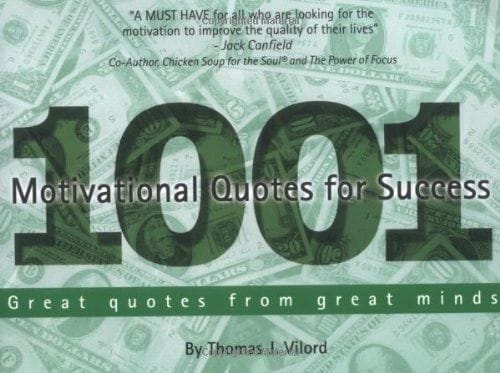
1001 MOTIVATIONAL QUOTES FOR SUCCESS eBook
🔒 Members Only$0.00
A Family’s Guide to the Military For Dummies – (2008)
🔒 Members Only$0.00A Family’s Guide to the Military For Dummies – (2009)
🔒 Members Only$0.00
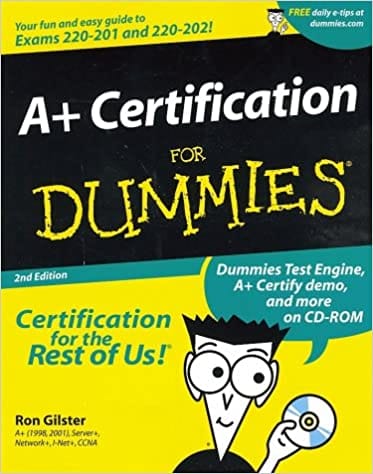
A+ Certification For Dummies 2nd Ed (2001)
🔒 Members Only$0.00
A+ Certification For Dummies 2nd Ed (2002)
🔒 Members Only$0.00


Reviews
There are no reviews yet.