
Description
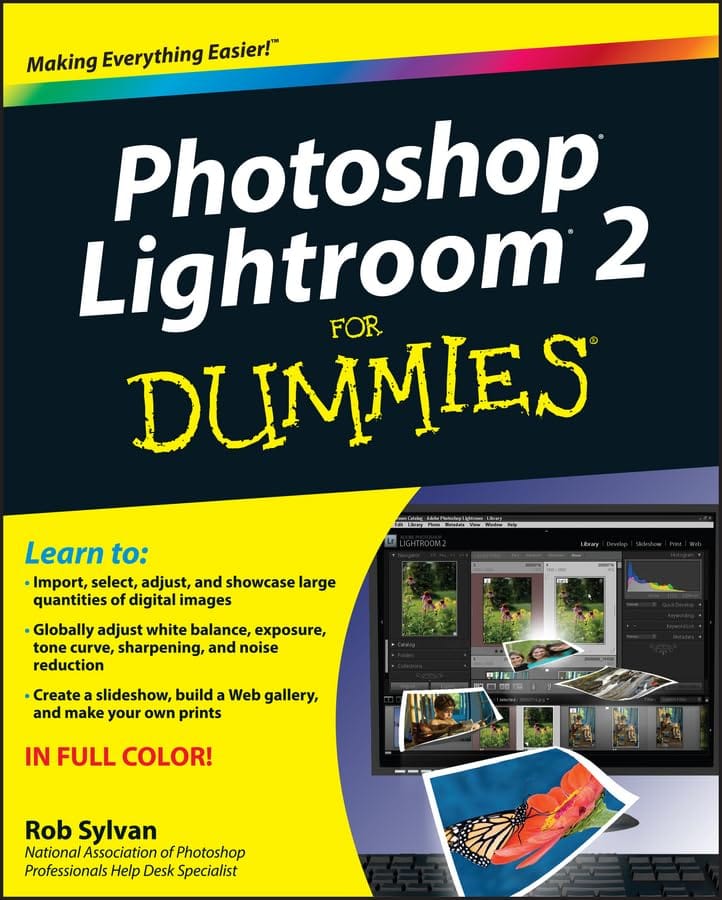
Take your digital photography to the next level by learning how to use Adobe Photoshop Lightroom 2 with Photoshop Lightroom 2 for Dummies! From how to install Lightroom and navigate the Lightroom interface to playing with advanced options like creating slideshows and sharing photos with friends and family, this easy-to-understand guide will walk you through every step.
You’ll find out all about the Lightroom modules and their functions while understanding the role of the Lightroom catalog, how to care for it, and work with its functions. You will learn everything about working with digital photographs, from distinguishing among various file formats to managing and importing photos. You’ll find out how to view, find, organize and develop photos in the library and utilize the digital darkroom. You’ll even find out how to work with external editors. After reading this book, you will know how to:
- Install and get started with Lightroom
- Recognize the role and function of the Lightroom catalog
- Manage and save files
- View, find, organize, and develop photos in the library
- Unleash your creativity with photo editing options
- Share and export files to share them with friends and family
- Create copies, slideshows, and web galleries
Complete with lists of ten resources, ten common problems and solutions, and ten favorite tips and tricks, Photoshop Lightroom 2 For Dummies is your one-stop guide to setting up, working with, and making the most of Photoshop Lightroom for all your digital photography needs.
Open the book and find:
- Solutions for setting up and managing your workflow
- Steps for automatically renaming files and adding metadata when importing
- Time-saving tips using the Quick Develop panel
- How to make adjustments and fix common problems without altering the original image data
- What the Grid, Loupe, Compare, and Survey views offer
- How simple it is to generate sophisticated online Web galleries and slide shows
About the Author
Rob Sylvan is a trainer, instructional designer, writer, Web developer, and photographer. He is a Help Desk Specialist for the National Association of Photoshop Professionals and he’s the Site Director for iStockphoto.com. Rob writes the Lightroom-focused “Under the Loupe” column for Photoshop User magazine.




Reviews
There are no reviews yet.