
Description
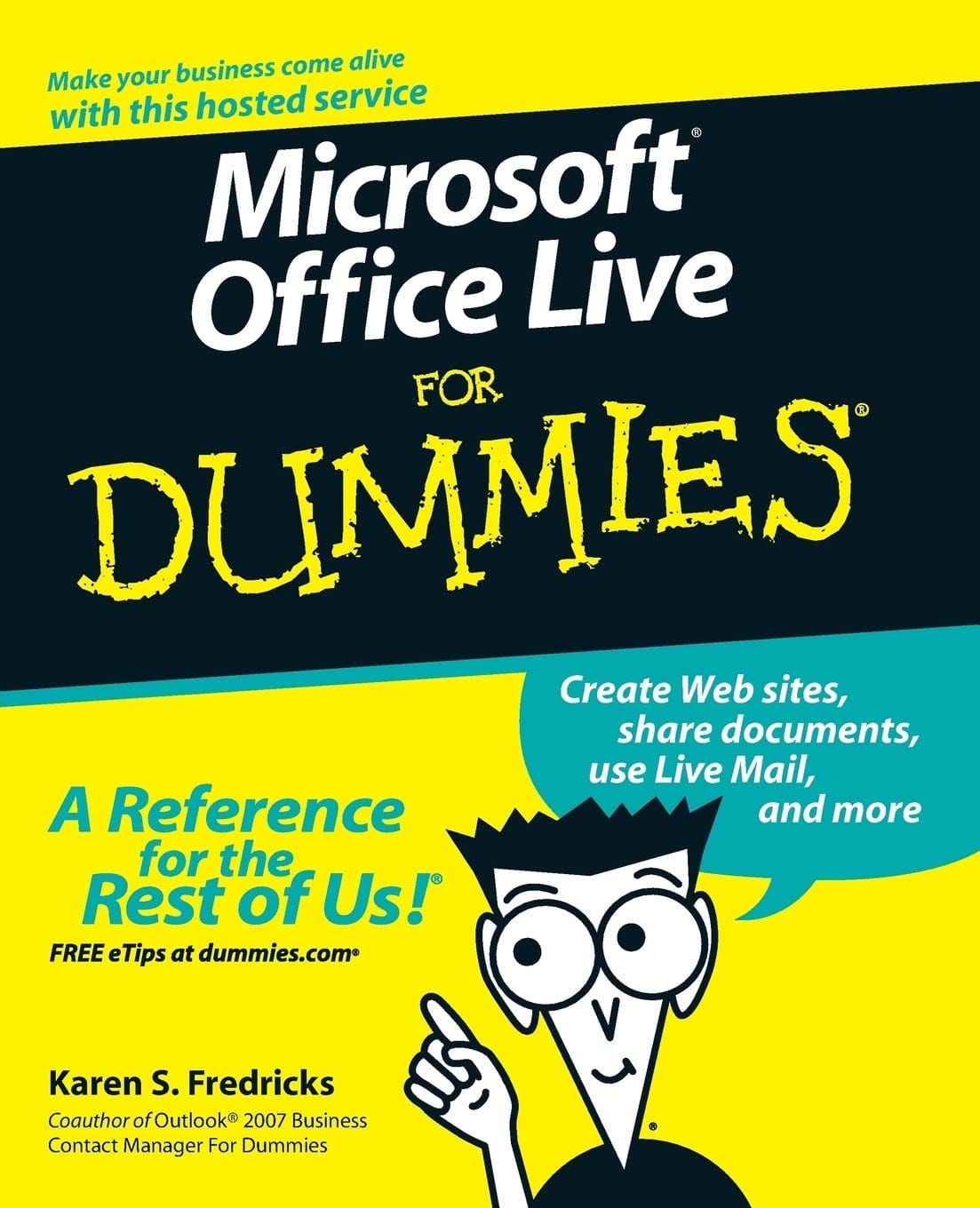
- Microsoft Office Live is a service that allows individuals, small businesses, and organizations to create Web sites, share documents, and have a shared storage area on the Web
- Explains how to create a Web site; share documents, contact lists, project plans, and calendars; send or receive e-mails using Live Mail; and allow customers, employees, and vendors access to data based on specific security restrictions
- Discusses establishing security levels, sharing documents, defining and managing projects, tracking company assets, using the Contact Manager, using marketing campaigns, and working with client workspaces
- Office Live services can be used independently but they also integrate well with Microsoft Office programs used regularly by more than 400 million people around the world, including Microsoft Access, Excel, Outlook, Microsoft Office Live Meeting and Microsoft Office Small Business Edition
From the Back Cover
Automate common tasks like managing projects, customers, and documentsThe fun and easy way to share your data online and grow your business
Want to make Office Live work for you? Now you can get up and running quickly in all the basics with this nuts-and-bolts guide. From creating a Web site and defining projects to sharing data with key contacts and tracking company assets, you’ll save time (and money!) as you efficiently connect with employees, customers, and vendors — leaving more time for business!
- Sign up for Office Live
- Work with e-mail accounts
- Establish security levels
- Use Business Contact Manager
- Get more with the Premium Service
- Integrate with other Microsoft Office programs
About the Author
Karen S. Fredricks began her life rather non-technically growing up in Kenya. She attended high school in Beirut, Lebanon, where she developed her sense of humor while dodging bombs. After traveling all over the world, Karen ended up at the University of Florida and has been an ardent Gator fan ever since. In addition to undergraduate studies in English, Theater and Accounting, Karen has a Master’s degree in Psycholinguistics. Beginning her career teaching high school English and theatre, Karen switched to working with the PC during its inception in the early ’80s and has worked as a full-time computer consultant and trainer ever since.
Karen is an ACT! Certified Consultant, an ACT! Premier Trainer, a Microsoft Office User Specialist, and a QuickBooks Pro Certified Advisor. She is the author of four For Dummies books on ACT! In addition, she has co-written Outlook 2007 Business Contact Manager For Dummies and Outlook 2007 Allin-One Desk Reference For Dummies. A true fan of the Dummies series, she helped organize The Authors Unconference, the first ever gathering of For Dummies authors.
Karen is an ACT! Certified Consultant, an ACT! Premier Trainer, a Microsoft Office User Specialist, and a QuickBooks Pro Certified Advisor. She is the author of four For Dummies books on ACT! In addition, she has co-written Outlook 2007 Business Contact Manager For Dummies and Outlook 2007 Allin-One Desk Reference For Dummies. A true fan of the Dummies series, she helped organize The Authors Unconference, the first ever gathering of For Dummies authors.
Reviews
There are no reviews yet.