🏠 HOME 👤 LOGIN / REGISTER
QUICK MENU
🛍️ Shop 💳 My Account 📞 Contact Support
[ X ] CLOSE
Account Orders Wishlist Cart Track Order Returns Shipping Certificate of Authenticity Contact Us Donations

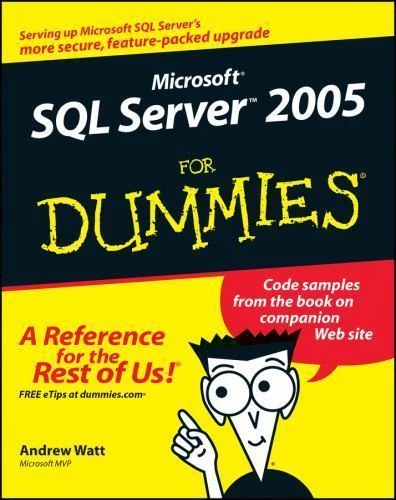
Microsoft SQL Server 2005 For Dummies

$0.00
Secure checkout • Fast order processing
🔥 Popularity score: 145
🔒

Vault Membership Required

This item is reserved for Vault Members. Join for a one-time $39.99 lifetime membership to unlock this and hundreds of other free titles.

DESCRIPTION Now updated to reflect the much-anticipated “Yukon” release of SQL Server, this friendly guide shows database developers and administrators as well as those who use database application how to get up to speed fast Offers a gentle introduction to relational database design and shows how to build databases, create database applications, and maintain and optimize database performance Covers the major new features of the “Yukon” release-including analysis services, reporting services, and notification services ABOUT THE AUTHOR Andrew Watt (Scotland, UK) is a Microsoft Most Valuable Professional (MVP). He specializes in Microsoft technologies, including the SQL Server database and InfoPath. He…

Category:
Tags:

Description

DESCRIPTION

  • Now updated to reflect the much-anticipated “Yukon” release of SQL Server, this friendly guide shows database developers and administrators as well as those who use database application how to get up to speed fast
  • Offers a gentle introduction to relational database design and shows how to build databases, create database applications, and maintain and optimize database performance
  • Covers the major new features of the “Yukon” release-including analysis services, reporting services, and notification services

Reviews

There are no reviews yet.

Only logged in customers who have purchased this product may leave a review.

INSTALL THE APP
Add The Urban Strip Mall to your home screen
📱 iPHONE / iPAD (Safari)
1. Tap the Share button at the bottom
2. Scroll down and tap "Add to Home Screen"
3. Tap "Add" — done!
🤖 ANDROID (Chrome)
1. Tap the 3-dot menu top right
2. Tap "Add to Home Screen"
3. Tap "Add" — done!
💻 DESKTOP (Chrome / Edge)
1. Look for the Install icon in the address bar
2. Click it and select "Install"
3. The app opens as its own window!